

Data integration
We teach business systems to talk to each other.
With Unitegra you configure integrations in the app instead of writing code. AutoMapper AI pairs hundreds of columns by itself; you only approve the edge cases.
The end of hand-written SSIS.
Traditional ETL tools handle integration through code or scripts. Every change forces the developer to edit the source, deploy it, and manually update the documentation. Unitegra flips the model: integrations are described by metadata that users change through a web UI. Backend, documentation and validation stay in sync, automatically.
In practice
Hundreds of integrations between your systems. No manual copy-paste.
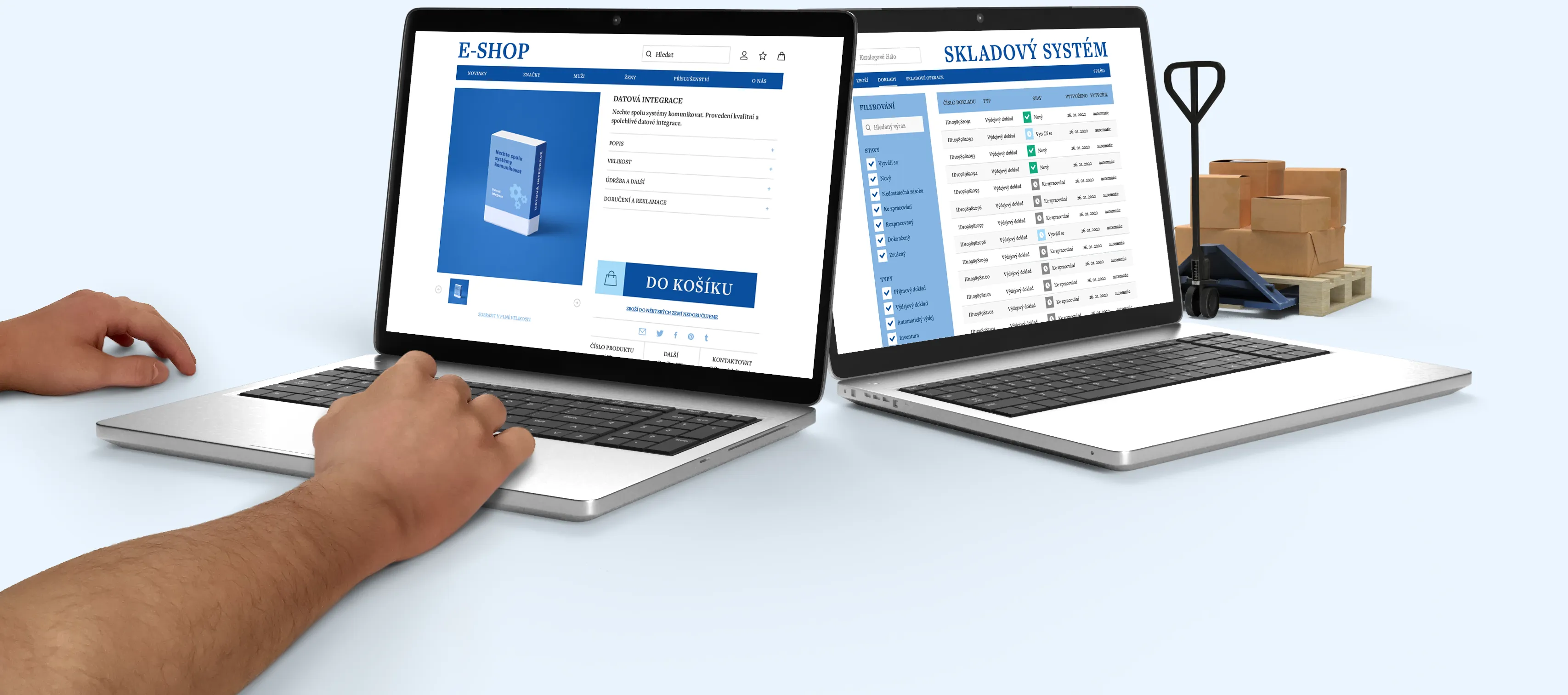
Unitegra sits between your applications and syncs data in real time. E-shop ↔ warehouse, manufacturing ↔ ERP, ERP ↔ DWH. You configure the rules, Unitegra watches the runs.
What Unitegra does better
Nine capabilities that replace legacy ETL tooling.
- 01
Metadata-driven development
No scripts, no code deployments. Changing an integration means changing a value in the web UI. Backend, documentation and validation always match.
- 02
AutoMapper AI
Source and target entities (and their columns) are paired automatically. For 100 entities that's 150 person-days saved versus SSIS.
- 03
Bulk changes
Pick a set of source–target pairs and apply config in one go. Type changes across dozens of integrations are now minutes, not days.
- 04
Audit log and validation
All configuration is validated online. Errors and warnings land in the audit log with authorship trail and rollback to a stable version.
- 05
Data flow visualisation
See how data moves between systems, where it transforms and where it queues. The diagram surfaces bottlenecks before they cause outages.
- 06
Entity dependencies
Configure the order of integrations so headers go before line items. No more failures from missing references in the target database.
- 07
Notifications and monitoring
E-mail, SMS, push or ticketing system integration. For deep monitoring pair Unitegra with its sibling Qeedio.
- 08
Cross-platform
Runs on Windows, Linux and macOS. No lock-in to a specific server infrastructure.
- 09
Automatic documentation
Documentation is generated in real time for every integration. The era of drifted source-and-docs is over.
AutoMapper AI
Automated entity mapping that saves weeks of work.
Mapping hundreds of columns between systems is the most time-consuming part of any integration project. AutoMapper AI takes it over. Source and target entities get paired automatically, you just pick the transfer type, transactional mode and operations. Minor tweaks happen in the UI.
Case study
Albatros Media: hourly load runs 10× faster.
After migrating from SSIS to Unitegra, the DWH_HourlyLoad process for Refresh Workspace Report Data went from an average of 10 minutes 20 seconds down to just 55 seconds. Most other daily ETL processes saw similar speed-ups.
Validation run evaluated via Qeedio. Similar results recorded across other production ETL processes.

Tech stack
Open standards, no vendor lock-in.
- Backend
- .NET 10 · ASP.NET Core · Entity Framework Core · Serilog · Swagger/OpenAPI
- Frontend
- React + TypeScript
- Databases
- MS SQL Server 2014+ (natively), more DBs and APIs being added
- Migration tooling
- SSIS (DTSX) and SQL package parsers · DbComparer for database schema comparison
- LLM integration
- Unitegra.McpServer: MCP server for LLM work over metadata
- Operations
- Azure App Service slots develop / release / main; CI/CD via GitHub Actions
Planning an SSIS migration or a new integration project?
We'll calculate the savings on your numbers and show Unitegra live. 30 minutes, no strings, no slideshow.